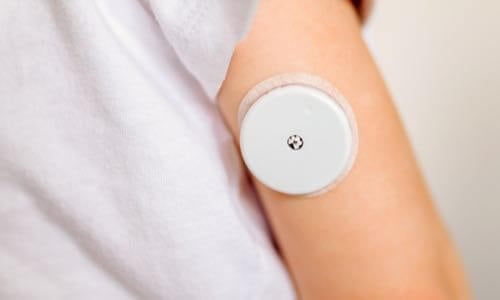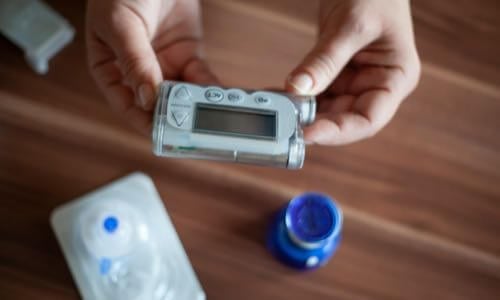
View current insulin pumps, smart pens and more from a variety of manufacturers. Compare features and technical specifications and find training resources, affordability information, prescription details and more.

View features and specifications of popular infusion sets to determine the best option for your patients and clients.
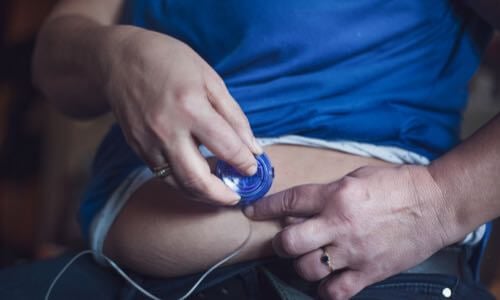
Open-source AID systems like Loop, AndroidAPS, and Trio combine pumps, CGMs, and smartphone apps to deliver customizable insulin automation. This section explains how they work, their unique features, safety considerations, and how clinicians can support patients using these evolving tools.
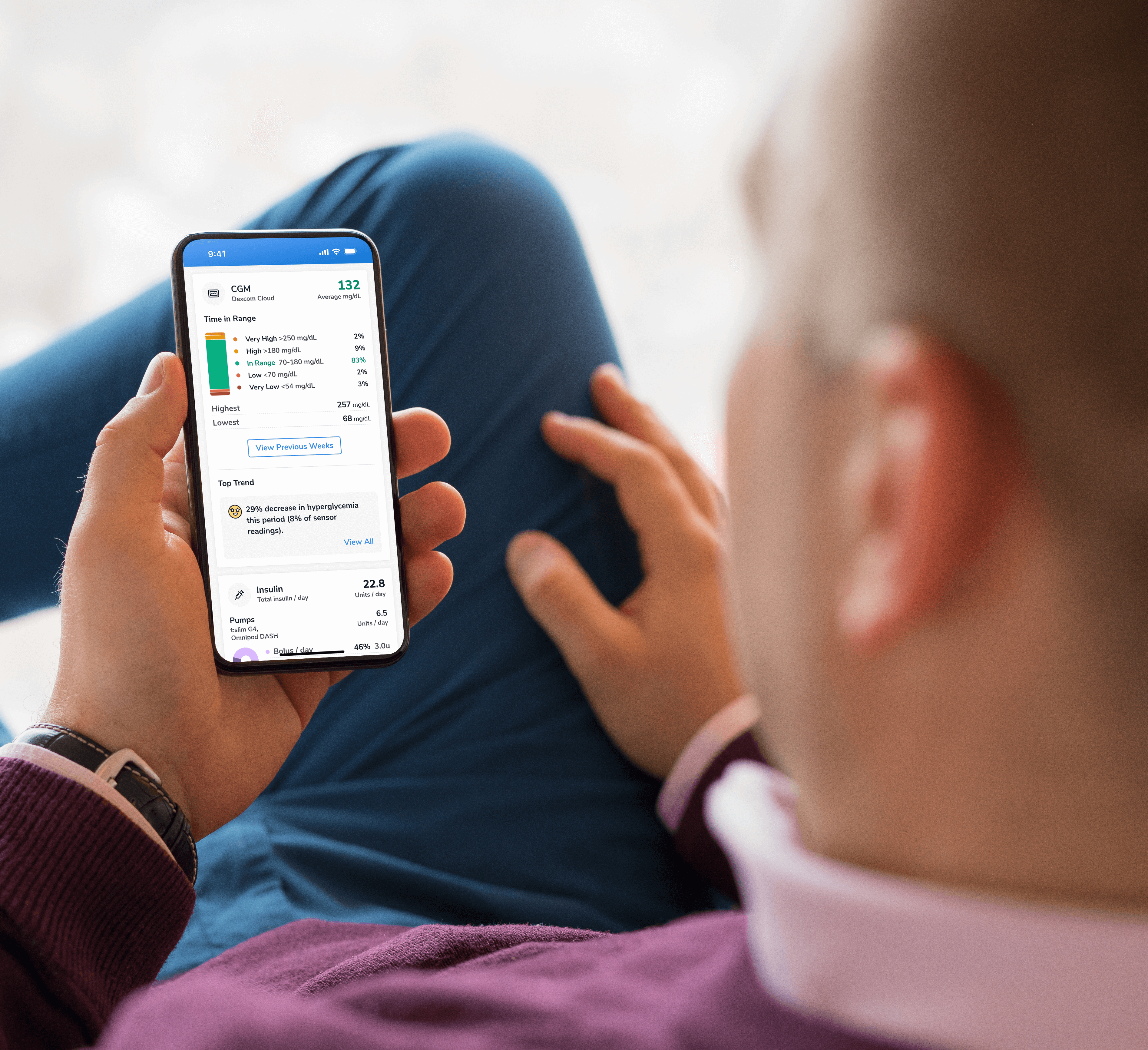
Find a sample of the latest online apps and digital platforms designed to prevent, manage and/or treat diabetes. We highlight apps and DTx for people with diabetes as well as the professionals treating them.

An overview of Glycemic Management Platforms that answers key questions including: What are they? What to consider? How can my inpatient facility benefit and more.
Are prior authorizations delaying patient care? Is your team overwhelmed by manual workflows? These platforms might help.
Find diabetes certificate programs, online learning opportunities, webinars, device training, practical tools and more. All resources are developed for diabetes healthcare professionals by diabetes healthcare professionals.

Find a variety of podcasts and videos focused on the latest topics in diabetes technology specifically created for diabetes healthcare professionals.
Danatech device trainings introduce healthcare professionals to the latest diabetes technology including the newest CGMs, automated insulin delivery devices, smart pens and more. Trainings include overviews, training specifics, FAQs and more.

The danatech Tool & Resource Directory gathers every clinician tool in one place, from product comparisons and affordability finders to point-of-care PANTHER forms and step-by-step workflows for CGM and AID. Users can filter by focus area and role to find what fits their practice.
Diabetes Technology Conference
The only event designed by and for the care team focused on using technology in practice to improve outcomes for people with diabetes.
Bring Our Curriculum to Your Students
Prepare future healthcare providers for modern diabetes care with danatech’s practical curriculum on CGM, insulin delivery, AID, and patient-centered communication.
Several automated insulin delivery (AID) manufacturers offer free digital demos that let clinicians and people with diabetes explore selected screens and workflows without connecting to a working insulin pump. Learn more.
Help tackle cardiovascular issues by equipping yourself with the knowledge to reduce cardiometabolic risk and combat the development of cardiometabolic diseases with specialized education and resources from danatech.

Whether you’re a healthcare professional seeking to enhance your expertise or someone passionate about making a significant impact in the lives of those affected by diabetes, this guide will help you navigate the path to becoming a CDCES.

Get a plain-language read on where the diabetes tech field is heading, why it matters for the people you support and the specific technology we're tracking
Recent diabetes technology innovations, product launches and enhancements as well as clinical perspectives regarding diabetes care.

Make your voice heard on Capitol Hill by sending messages to your members of Congress on critical issues that affect diabetes care and education. You can also track federal diabetes legislation to see which members have signed on to support the bill and whether there have been any relevant votes.
-(1).png?sfvrsn=799e9a59_1)
Several automated insulin delivery (AID) manufacturers offer free digital demos that let clinicians and people with diabetes explore selected screens and workflows without connecting to a working insulin pump. Use this resource to find available demos and to understand what they can, and cannot, help you evaluate.
Lucy L Colo, MSN, RN, OCN, CDCES
Current as of September 2026 · Links last checked September 8, 2026
AID = automated insulin delivery · CGM = continuous glucose monitoring. These are interface demonstrations, not simulations of how an algorithm behaves in real life.
Manufacturer demos vary in how closely they mirror the current commercial product. Some illustrate an interface without reproducing every feature, and at least one manufacturer states its demo is not identical to the shipping app. Use them for what they show well, and confirm everything else against the current user guide and manufacturer-approved training.
| A demo may help someone explore | A demo usually cannot show |
|---|---|
| Menu organization and terminology | How the algorithm responds in real life |
| The steps shown for selected tasks | How often alerts or connection problems may occur during everyday use |
| How meals or boluses are entered | Physical wearability, insertion, or infusion-set experience |
| Whether the screens and menus appear easy for the person to navigate | Whether the system works with the person's phone or accessibility needs |
| Questions to bring to a shared decision-making visit | Whether the system is clinically appropriate for that person |
| Differences in how systems are navigated | How much training and ongoing support the person may need, and insurance coverage and out-of-pocket costs |
Links open each manufacturer's official demo, simulator, or virtual pump portal. Each is labeled by its maker for demonstration only. Systems are listed alphabetically. Inclusion does not indicate that danatech recommends one system over another.
How to use these demos. Use them to preview screens with a person who is considering an AID system, identify questions or concerns, and compare how selected tasks are completed. Before choosing or starting a system, confirm clinical appropriateness, phone and sensor compatibility, coverage, supply requirements, and training needs.
Browser-based demo (no separate download) of the iLet interface and its meal-announcement workflow. Users do not enter carbohydrate grams, but they must judge whether the meal contains about their usual amount of carbohydrate, more, or less.
Platform: web-based, phone or computer
A browser-based demonstration of selected MiniMed 780G pump screens and SmartGuard features (MiniMed's automated insulin-adjustment technology). The demo does not reproduce every function and is not a substitute for training. MiniMed notes it may also be used for virtual training after a system is purchased.
Platform: web-based
A downloadable app that previews the app-controlled MiniMed Flex system, which received FDA clearance in March 2026. Because Flex is screenless and managed entirely from a phone, this app is how users explore its interface.
Platform: iOS / Android app (requires an Apple or Google account to download)
An interactive overview of selected Omnipod 5 screens and functions, including setup, bolus entry, and SmartAdjust technology (Insulet's automated insulin-delivery feature). Insulet notes that simulator functions are limited and do not fully depict the system's capabilities.
Platform: iOS / Android app (requires an Apple or Google account to download)
Two demos: the t:simulator app (Tandem's demo of the t:slim X2's on-pump touchscreen, which shows its Control-IQ+ automation), and a browser-based demo of the Mobi pump, which is controlled from a phone app rather than an on-pump screen. Available demonstrations and represented software may vary; Tandem notes the Mobi demo is not identical to the shipping app and should not be relied on for instruction in using the pump.
Platform: virtual demo portal + app
A web-based interactive demo (with an optional orientation video) that previews selected twiist app screens and workflows. The twiist system itself supports carbohydrate entry and insulin delivery from compatible Apple Watch models.
Platform: web-based demo
Exploring open-source AID? See Supporting Patients Using Open-Source AID Systems for open-source demo options.
Scope of use. These demos may help users explore interface design and selected device workflows, but they should not be used to make insulin-dosing or other treatment decisions. They do not reproduce the full experience of wearing, operating, or responding to an AID system, and they do not replace the current user guide or manufacturer-required training.
These manufacturer-operated demos are provided for educational reference. They do not deliver insulin, reproduce every system function, or replace the current user guide and required product training. Links and demo features may change; verify current availability before sharing a demo with a person.
© danatech
Spotted something? Have a better way? We're listening.
We do our best to keep every tool page accurate, current, and actually useful — but we're human, and this space moves fast. If something's off, outdated, or you know a better way, we genuinely want to hear it. No suggestion is too small.
What are you sharing?DISCLAIMERS:
This site and its services do not constitute the practice of medical advice, diagnosis or treatment. Always talk to your diabetes care and education specialist or health care provider for diagnosis and treatment, including your specific medical needs. If you have or suspect that you have a medical problem or condition, please contact a qualified health care professional immediately. To find a diabetes care and education specialist near you, visit the ADCES finder tool.
ADCES and danatech curate product specifics and periodically review them for accuracy and relevance. As a result, the information may or may not be the most recent. We recommend visiting the manufacturer's website for the latest details if you have any questions.




.png?sfvrsn=ff189f59_2)




danatech, powered by ADCES, helps the whole care team choose, start, use and support diabetes technology with confidence.