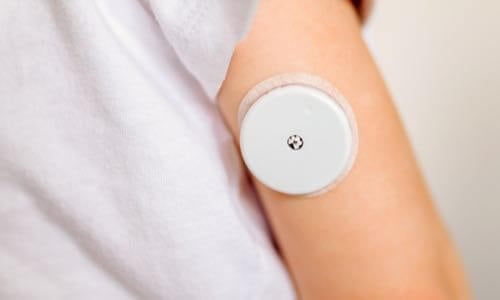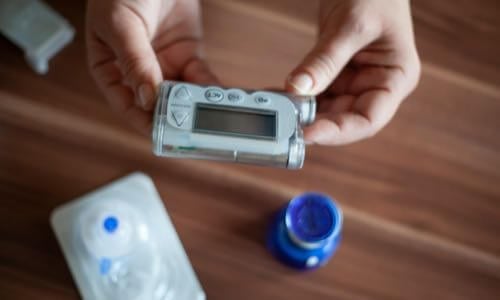
View current insulin pumps, smart pens and more from a variety of manufacturers. Compare features and technical specifications and find training resources, affordability information, prescription details and more.
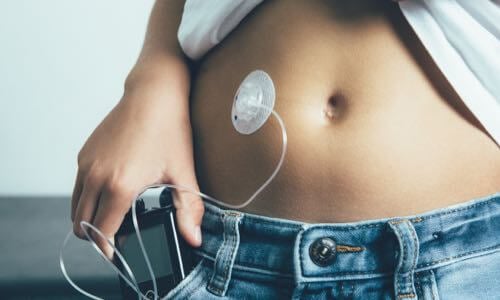
View features and specifications of popular infusion sets to determine the best option for your patients and clients.
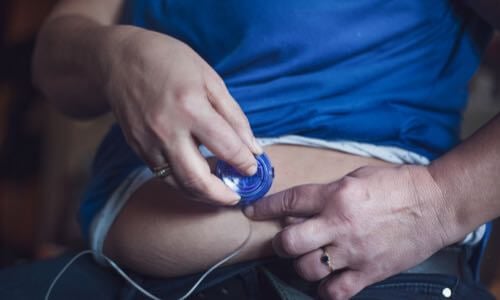
Open-source AID systems like Loop, AndroidAPS, and Trio combine pumps, CGMs, and smartphone apps to deliver customizable insulin automation. This section explains how they work, their unique features, safety considerations, and how clinicians can support patients using these evolving tools.
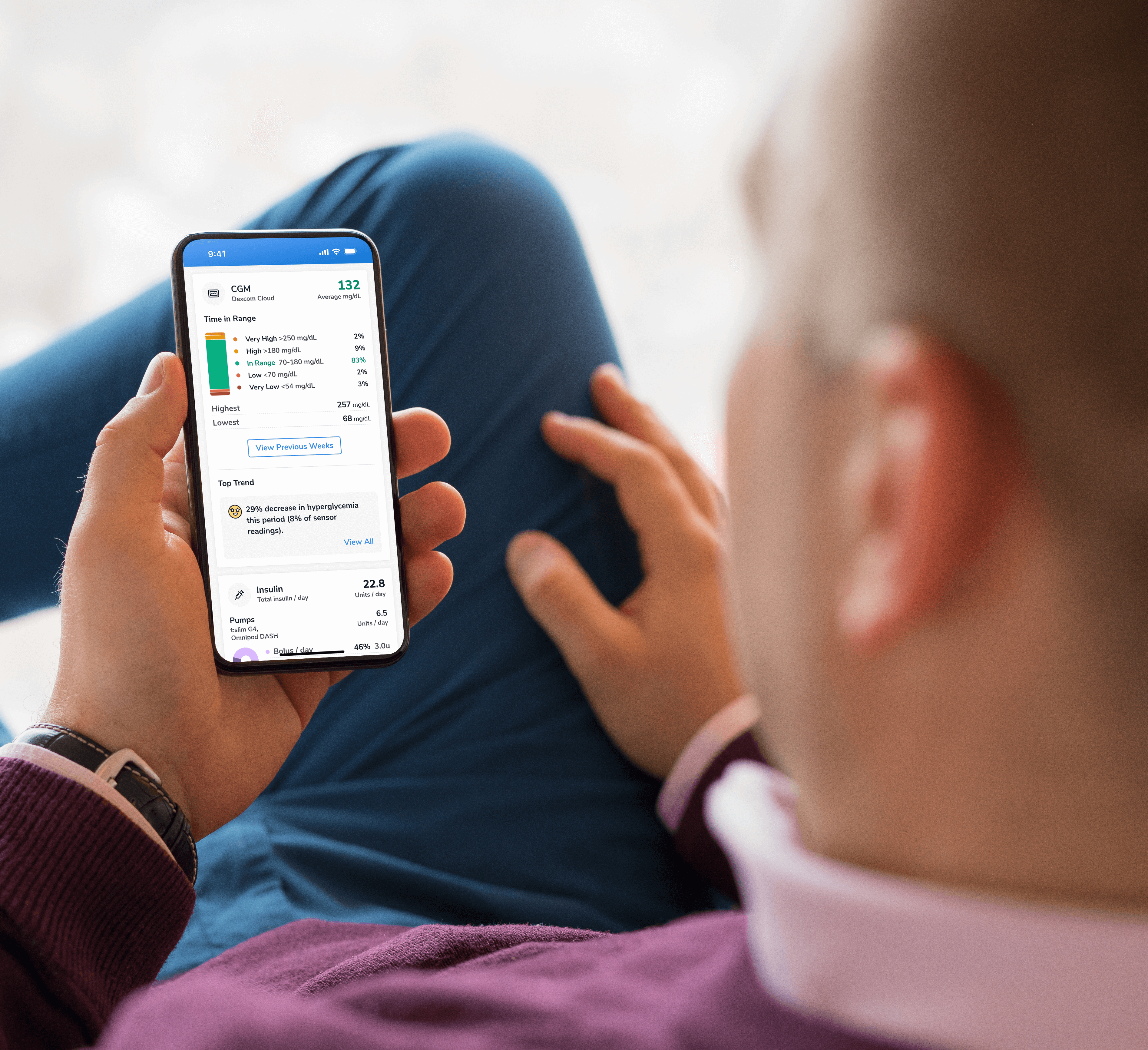
Find a sample of the latest online apps and digital platforms designed to prevent, manage and/or treat diabetes. We highlight apps and DTx for people with diabetes as well as the professionals treating them.

An overview of Glycemic Management Platforms that answers key questions including: What are they? What to consider? How can my inpatient facility benefit and more.
Are prior authorizations delaying patient care? Is your team overwhelmed by manual workflows? These platforms might help.
Find diabetes certificate programs, online learning opportunities, webinars, device training, practical tools and more. All resources are developed for diabetes healthcare professionals by diabetes healthcare professionals.

Find a variety of podcasts and videos focused on the latest topics in diabetes technology specifically created for diabetes healthcare professionals.
Danatech device trainings introduce healthcare professionals to the latest diabetes technology including the newest CGMs, automated insulin delivery devices, smart pens and more. Trainings include overviews, training specifics, FAQs and more.

The danatech Tool & Resource Directory gathers every clinician tool in one place, from product comparisons and affordability finders to point-of-care PANTHER forms and step-by-step workflows for CGM and AID. Users can filter by focus area and role to find what fits their practice.
Diabetes Technology Conference
The only event designed by and for the care team focused on using technology in practice to improve outcomes for people with diabetes.
Bring Our Curriculum to Your Students
Prepare future healthcare providers for modern diabetes care with danatech’s practical curriculum on CGM, insulin delivery, AID, and patient-centered communication.
Several automated insulin delivery (AID) manufacturers offer free digital demos that let clinicians and people with diabetes explore selected screens and workflows without connecting to a working insulin pump. Learn more.
Help tackle cardiovascular issues by equipping yourself with the knowledge to reduce cardiometabolic risk and combat the development of cardiometabolic diseases with specialized education and resources from danatech.
Whether you’re a healthcare professional seeking to enhance your expertise or someone passionate about making a significant impact in the lives of those affected by diabetes, this guide will help you navigate the path to becoming a CDCES.

Get a plain-language read on where the diabetes tech field is heading, why it matters for the people you support and the specific technology we're tracking
Recent diabetes technology innovations, product launches and enhancements as well as clinical perspectives regarding diabetes care.

Make your voice heard on Capitol Hill by sending messages to your members of Congress on critical issues that affect diabetes care and education. You can also track federal diabetes legislation to see which members have signed on to support the bill and whether there have been any relevant votes.
-(1).png?sfvrsn=799e9a59_1)
Centralized resource for the plans you see most.
Capture what a PA needs during routine care.
Use this prompt to create a reusable EHR smart phrase (dot phrase) with fill-in fields for documentation that may support diabetes technology prior authorizations. Adapt the resulting template to your practice and EHR. Do not enter protected health information (PHI) into a general AI tool unless your organization has approved that tool for PHI. Review the output before implementation.
Create a reusable EHR smart phrase (dot phrase) for documenting clinical information that may support prior authorization requests for [technology]. Use the following payer criteria and documentation requirements: [paste current payer criteria, if available]. Develop a structured clinical documentation template with clearly labeled, editable fill-in fields based on the relevant items in the diabetes technology documentation checklist. For example, for continuous glucose monitoring (CGM), include fields for diagnosis, most recent A1C and date, glucose monitoring frequency (if applicable), current insulin regimen, documented hypoglycemia events, and the clinical rationale for medical necessity. Include these fields when clinically relevant or required by the payer. The template should help the care team capture information during routine clinical encounters so the documentation needed to support a future PA request is available when needed. Distinguish payer-required documentation from optional supporting clinical information. Make the template concise, practical for routine clinical documentation, and easy to adapt to the practice's EHR and workflow. Include a reminder to review and update the template quarterly, and whenever relevant payer requirements change. Follow these rules: Use only the information and payer criteria I provide. Do not invent clinical facts, payer requirements, dates, outcomes, or citations. Do not imply that a test, treatment trial, or documentation element is universally required. If information is missing, identify the field that needs to be completed or verified rather than filling it in. Do not state that a coverage criterion is met unless the documentation provided supports it. Use only payer criteria or clinical references I provide. The care team must verify the final template against current payer requirements and organizational policies before implementation.
Catch every deadline before access lapses.
Match each task to the right person.
One Excel file with a tab for each area. Fill it in with your team and keep it current.
Before you adopt the setup, try it with one sample request.
DISCLAIMERS:
This site and its services do not constitute the practice of medical advice, diagnosis or treatment. Always talk to your diabetes care and education specialist or health care provider for diagnosis and treatment, including your specific medical needs. If you have or suspect that you have a medical problem or condition, please contact a qualified health care professional immediately. To find a diabetes care and education specialist near you, visit the ADCES finder tool.
ADCES and danatech curate product specifics and periodically review them for accuracy and relevance. As a result, the information may or may not be the most recent. We recommend visiting the manufacturer's website for the latest details if you have any questions.


.png?sfvrsn=ff189f59_2)


danatech, powered by ADCES, helps the whole care team choose, start, use and support diabetes technology with confidence.