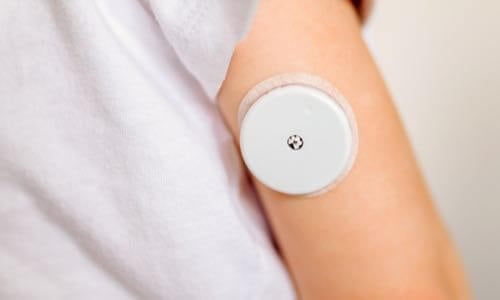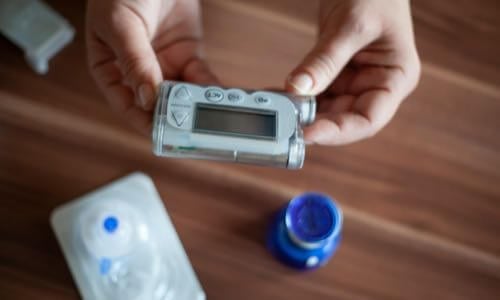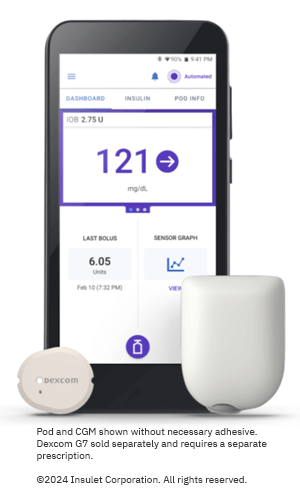
View current insulin pumps, smart pens and more from a variety of manufacturers. Compare features and technical specifications and find training resources, affordability information, prescription details and more.
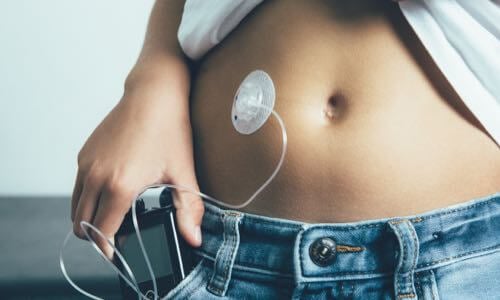
View features and specifications of popular infusion sets to determine the best option for your patients and clients.
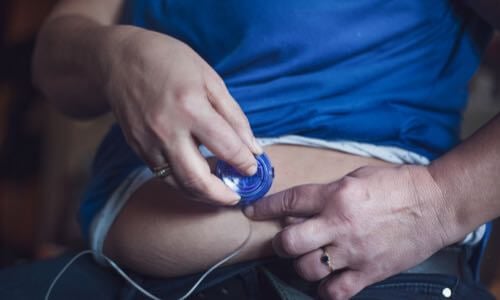
Open-source AID systems like Loop, AndroidAPS, and Trio combine pumps, CGMs, and smartphone apps to deliver customizable insulin automation. This section explains how they work, their unique features, safety considerations, and how clinicians can support patients using these evolving tools.
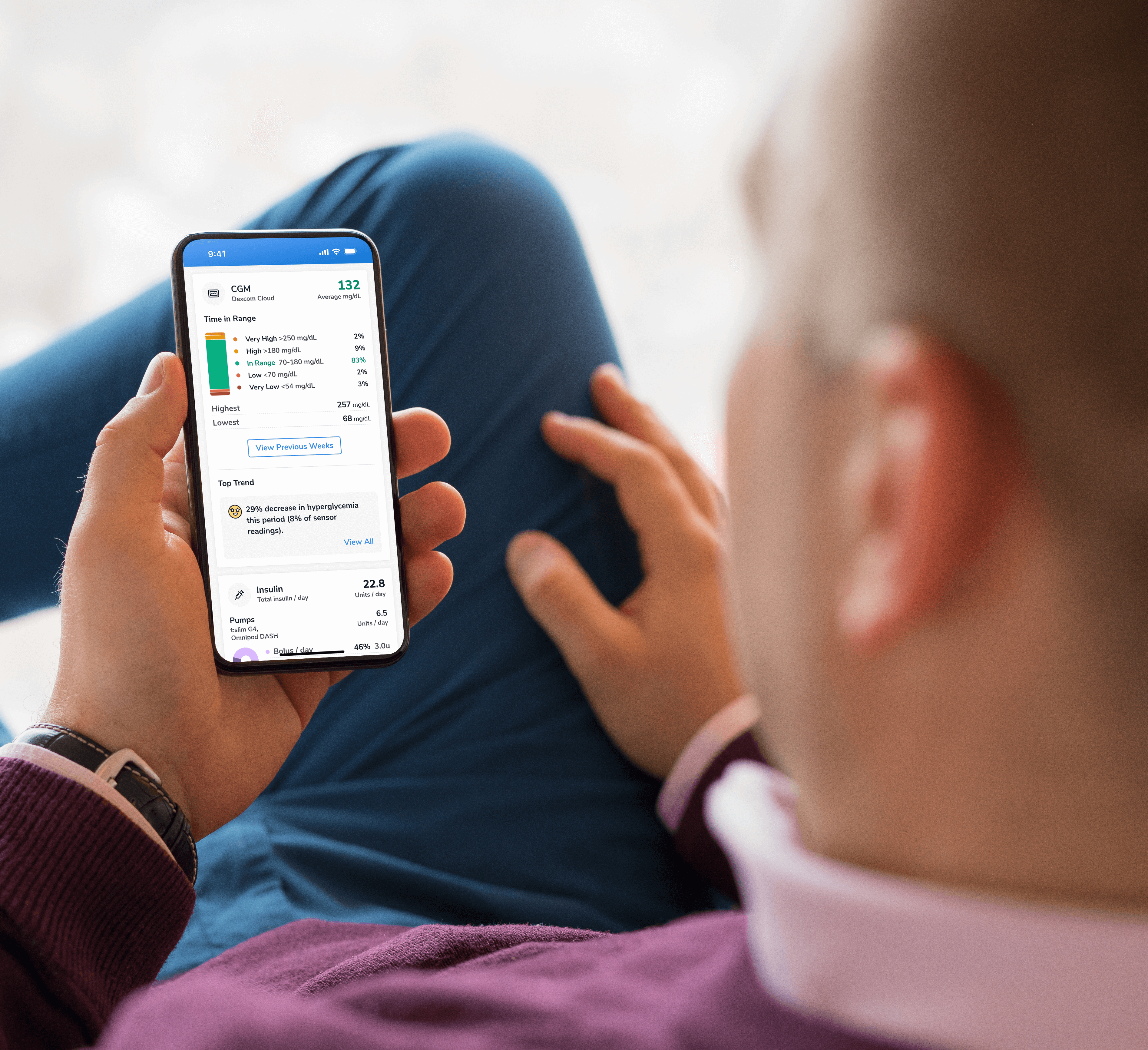
Find a sample of the latest online apps and digital platforms designed to prevent, manage and/or treat diabetes. We highlight apps and DTx for people with diabetes as well as the professionals treating them.

An overview of Glycemic Management Platforms that answers key questions including: What are they? What to consider? How can my inpatient facility benefit and more.
Are prior authorizations delaying patient care? Is your team overwhelmed by manual workflows? These platforms might help.
Find diabetes certificate programs, online learning opportunities, webinars, device training, practical tools and more. All resources are developed for diabetes healthcare professionals by diabetes healthcare professionals.

Find a variety of podcasts and videos focused on the latest topics in diabetes technology specifically created for diabetes healthcare professionals.
Danatech device trainings introduce healthcare professionals to the latest diabetes technology including the newest CGMs, automated insulin delivery devices, smart pens and more. Trainings include overviews, training specifics, FAQs and more.

The danatech Tool & Resource Directory gathers every clinician tool in one place, from product comparisons and affordability finders to point-of-care PANTHER forms and step-by-step workflows for CGM and AID. Users can filter by focus area and role to find what fits their practice.
Diabetes Technology Conference
The only event designed by and for the care team focused on using technology in practice to improve outcomes for people with diabetes.
Bring Our Curriculum to Your Students
Prepare future healthcare providers for modern diabetes care with danatech’s practical curriculum on CGM, insulin delivery, AID, and patient-centered communication.
Several automated insulin delivery (AID) manufacturers offer free digital demos that let clinicians and people with diabetes explore selected screens and workflows without connecting to a working insulin pump. Learn more.
Help tackle cardiovascular issues by equipping yourself with the knowledge to reduce cardiometabolic risk and combat the development of cardiometabolic diseases with specialized education and resources from danatech.

Whether you’re a healthcare professional seeking to enhance your expertise or someone passionate about making a significant impact in the lives of those affected by diabetes, this guide will help you navigate the path to becoming a CDCES.

Get a plain-language read on where the diabetes tech field is heading, why it matters for the people you support and the specific technology we're tracking
Recent diabetes technology innovations, product launches and enhancements as well as clinical perspectives regarding diabetes care.

Make your voice heard on Capitol Hill by sending messages to your members of Congress on critical issues that affect diabetes care and education. You can also track federal diabetes legislation to see which members have signed on to support the bill and whether there have been any relevant votes.
-(1).png?sfvrsn=799e9a59_1)
When a CGM, an insulin pump and a dosing algorithm work together to adjust insulin automatically, they form an automated insulin delivery (AID) system. This page explains what that means, what the system does on its own and what still needs a person — for clinicians new to the technology to those who train on it daily.
A continuous glucose monitor (CGM) measures glucose every few minutes. An insulin pump delivers insulin. When these two devices plus a dosing algorithm work together to automatically adjust insulin delivery, they form an automated insulin delivery (AID) system.
The CGM sends glucose readings to dosing software called an algorithm. The algorithm uses those readings, along with other available information, to direct automatic changes in insulin delivery. The algorithm may run on the pump, on a phone or on a separate controller.
Older setups did not automate dosing. The CGM showed a number and the person or clinician decided what to do about it. AID is the shift from the person reads the CGM and acts to the system reads the CGM and adjusts insulin, with the person supervising.
A pump can display CGM readings, or automatically suspend insulin when glucose is low or predicted to go low, without providing the fuller automated dosing that defines current AID systems. Those are useful features but they are not the same as AID. This page is about AID — where the algorithm is actively adjusting delivery based on glucose data.
For exact CGM and AID connectivity specifications, visit Find and Compare Insulin Delivery Systems.
Mainly the background (basal) insulin between meals, and on many systems, automatic corrections for high glucose.
Most importantly, giving the system information about meals. Current commercially available AID systems in the U.S. still require some form of meal input.
A high or low may reflect meal input, insulin on board, delivery or absorption, activity, sensor information, settings and the algorithm's response. Separating these is the new clinical skill.
The single most useful habit: before teaching or troubleshooting, identify the exact system and learn what it automates, what the person still does and what happens when CGM data or insulin delivery are interrupted.
None of these is exotic. They are the everyday reality of using an AID system, and each one ends with what it means for you at the point of care.
Select a question to see the explanation and the practical takeaway.
The algorithm needs glucose readings to work. Sometimes it doesn't get them: during sensor warm-up, at the end of a sensor's life, or when the signal is interrupted — for example, distance between components or another communication problem.
The system may continue delivering insulin when full automation is unavailable, but its behavior and on-screen terminology differ by product. Some fall back to preset basal rates, some limit automation, some deliver insulin based on recent history.
Users should know how to recognize when the system has left full automation and what action, if any, is required. This is a common “why did my pump do that?” moment, and knowing the specific system's behavior is what resolves it.
This is different from the CGM going quiet. Sometimes the CGM is sending a reading, but the reading may not accurately reflect current blood glucose. One example is a compression-related low, where pressure on the sensor produces a falsely low value.
This matters because the system may reduce or suspend insulin in response to a low that isn't real.
If a CGM reading doesn't match symptoms, expectations or the clinical situation — or if the system directs the user to check — confirm with a blood glucose meter and follow the device instructions. Do not assume a low is false simply because the person doesn't feel symptoms; hypoglycemia can occur without recognized symptoms.
Some AID systems only adjust background insulin. Others also deliver automatic correction doses when glucose runs high. And some expect the person to initiate a correction through the system's own bolus calculator. These are not the same, and the word “target” doesn't tell you which — you have to know the specific system.
The risk isn't correcting highs; it's giving a correction outside the system's recommended workflow. An additional dose given that way may overlap with insulin already delivered, increasing the risk of insulin stacking — the cumulative effect of overlapping insulin doses — and hypoglycemia.
Teach the correction process for the specific system, including when to use its bolus calculator and when an additional correction should be avoided.
In nearly every current system, the person still gives the system information about meals. But how differs. Some systems ask the person to enter carbohydrate amounts and initiate the system's recommended meal bolus, like a traditional pump. Others have the person announce the meal — “usual,” “more” or “less” — and the system determines the dose. The iLet, for example, independently determines meal doses from a meal-size announcement rather than conventional carbohydrate counting.
Meal timing also differs. Some systems use a bolus before eating; the iLet tells people to announce the meal when they start eating, not before, and not to announce if too much time has passed.
There is no single meal rule that's safe to teach across systems. “Always pre-bolus” is correct for some and wrong for others. Teach the meal workflow for the device the person actually uses.
Physical activity can be challenging because the system responds to glucose data but does not know the person's activity plans — unless the person uses the appropriate feature or adjusts the plan as instructed. Most systems offer an activity mode or a temporary higher target to reduce insulin around exercise.
The activity feature is one input, not the whole plan. Exercise planning should also consider the system's instructions, insulin on board, glucose level and direction, food and the type, timing and duration of activity. Note that a prolonged reduction or interruption of insulin may contribute to later high glucose.
Not reliably. This is the safety point that's easiest to miss. An AID system can increase insulin delivery in response to rising glucose, but it cannot tell whether that insulin is actually getting into the body. An infusion-set problem, a displaced pod or cannula, an empty reservoir, an occlusion or spoiled insulin can all leave glucose high despite the system doing everything right.
Unexplained or persistent high glucose calls for attention to possible delivery failure — not just another correction. Automation adjusts the dose; it does not guarantee the insulin arrives. Every pump user should have a product-specific plan for checking ketones, replacing the infusion set or pod, using backup insulin and knowing when to seek urgent care.
Before teaching or troubleshooting any AID system, work through these five questions. They turn everything above into something you can actually do.
Which pump, CGM and algorithm is the person using?
How can they tell whether full automation is active?
What does the system do when CGM data are unavailable?
What meal, correction and activity actions does this system expect?
Does the person have a backup plan for sensor or insulin-delivery interruption?
These reflect the 2026 ADA Standards of Care emphasis on individualized system selection, initial and ongoing training, continued access to glucose monitoring and a backup plan — rather than assuming one workflow fits everyone.
This resource provides general education and does not replace the device instructions, individualized treatment plan or clinical judgment. Reviewed July 2026 against the 2026 ADA Diabetes Technology Standards of Care.
Grouped by the claim each source supports. Primary and official sources — ADA, FDA, danatech, peer-reviewed — are tagged and listed first within each group. Compiled and verified July 2026.
Primary = official ADA, FDA, danatech or peer-reviewed source. Manufacturer = manufacturer product or labeling page.
All URLs verified accessible July 2026. Device insulin clearances and indications should be confirmed against the current IFU. The page defers current-device specifics to Find & Compare, so no device-model citations are listed here.
Introduction to Insulin Pumps and the NEW PANTHER Program Insulin Pump Settings Tool
Troubleshooting Insulin Pumps and Infusion Sets
Introduction to the Basics of Open-Source AID Systems: Loop, Trio and AAPS
Optimize Hybrid Closed Loop Insulin Pumps: A How-To Guide
Introducing the twiist™ AID system
Life Happens: How the MiniMed™ 780G system mitigates typical challenges to glycemic equilibrium
DISCLAIMERS:
This site and its services do not constitute the practice of medical advice, diagnosis or treatment. Always talk to your diabetes care and education specialist or health care provider for diagnosis and treatment, including your specific medical needs. If you have or suspect that you have a medical problem or condition, please contact a qualified health care professional immediately. To find a diabetes care and education specialist near you, visit the ADCES finder tool.
ADCES and danatech curate product specifics and periodically review them for accuracy and relevance. As a result, the information may or may not be the most recent. We recommend visiting the manufacturer's website for the latest details if you have any questions.




.png?sfvrsn=ff189f59_2)





danatech, powered by ADCES, helps the whole care team choose, start, use and support diabetes technology with confidence.